> ## Documentation Index
> Fetch the complete documentation index at: https://docs.youniverse.ai/llms.txt
> Use this file to discover all available pages before exploring further.
# Prompt guide
> An in-depth guide to getting dramatically better answers from Aura.
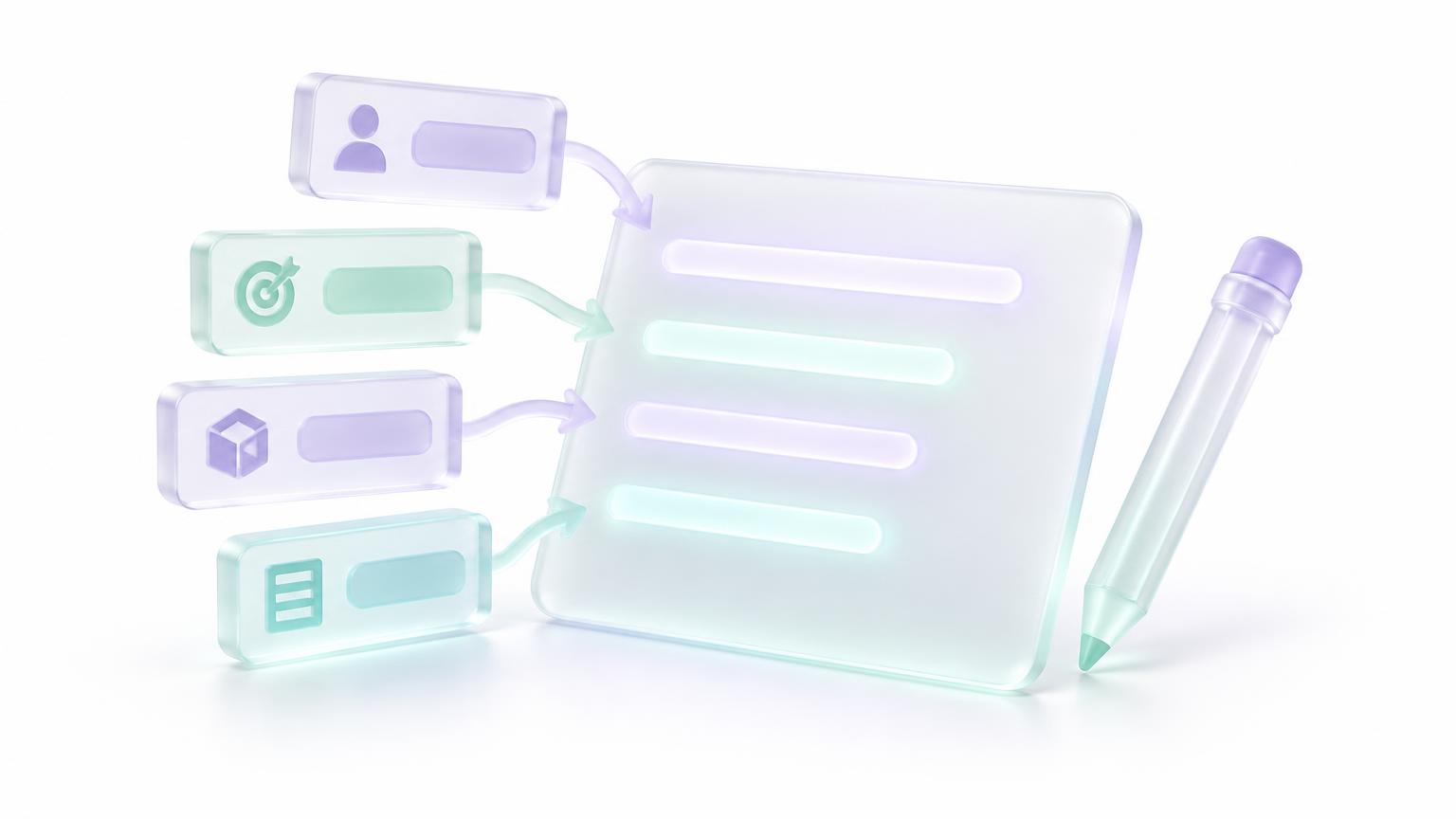 A prompt is a brief for a very capable assistant who knows nothing about you, your situation or what "good" looks like to you. The answer can only be as good as the brief. This guide shows exactly how to write great ones.
## The core formula
| Part | Question | Example |
| - | - | - |
| **Goal** | What do you want? | "Write a cold email" |
| **Context** | What does it need to know? | "We sell bookkeeping to dental clinics; the prospect just opened a second location" |
| **Audience** | Who is it for? | "Practice owner, busy, skeptical of software" |
| **Constraints** | What are the rules? | "Under 120 words, no jargon, one clear ask" |
| **Format** | What should the output look like? | "Subject line + body, then 2 alternative subject lines" |
**Weak:** "Write an email to a dentist."
**Strong:** "Write a cold email to a dental practice owner who just opened a second location. We sell bookkeeping for multi-location clinics. They're busy and skeptical of software. Under 120 words, plain language, one ask: a 15-minute call. Give a subject line, the body, and two alternative subject lines."
A prompt is a brief for a very capable assistant who knows nothing about you, your situation or what "good" looks like to you. The answer can only be as good as the brief. This guide shows exactly how to write great ones.
## The core formula
| Part | Question | Example |
| - | - | - |
| **Goal** | What do you want? | "Write a cold email" |
| **Context** | What does it need to know? | "We sell bookkeeping to dental clinics; the prospect just opened a second location" |
| **Audience** | Who is it for? | "Practice owner, busy, skeptical of software" |
| **Constraints** | What are the rules? | "Under 120 words, no jargon, one clear ask" |
| **Format** | What should the output look like? | "Subject line + body, then 2 alternative subject lines" |
**Weak:** "Write an email to a dentist."
**Strong:** "Write a cold email to a dental practice owner who just opened a second location. We sell bookkeeping for multi-location clinics. They're busy and skeptical of software. Under 120 words, plain language, one ask: a 15-minute call. Give a subject line, the body, and two alternative subject lines."
 ## 12 techniques that work
Replace "make it better" with what better means: "shorter", "more persuasive to a CFO", "fix the logic in step 3".
Your goal, background, what you tried and why it didn't work. Every missing fact gets filled with a guess.
One or two examples of the style or format you want beat paragraphs of description: "Match the tone of this: …"
Table, bullets, JSON, a numbered plan, a 3-sentence summary — and "max 5 bullets" or "about 300 words".
"Act as a tax accountant reviewing this for a US freelancer" focuses vocabulary and priorities.
Ask for an outline, approve it, then the full draft. Long, multi-part jobs go better as a sequence.
"Work through this step by step, then give the final answer" — or use Thinking / Frontier High.
"No clichés like 'in today's fast-paced world'", "don't suggest hiring anyone".
Wrap pasted documents in clear markers like `"""` or `…` and keep your instruction outside them.
"Cite sources with links" and "say if you're not sure". Aura searches live when facts matter; asking makes it explicit.
Follow up in the same chat: "Make paragraph 2 punchier", "now as a LinkedIn post". The context is already there (and cached).
"Here's my prompt. Ask me any questions you need, then rewrite it to be clearer." Great for important or recurring tasks.
## Templates you can copy
```text theme={null}
I need to decide between [option A] and [option B] for [goal].
My situation: [budget, timeline, constraints].
Compare them on [criteria 1, 2, 3] in a table, using current sources with links.
Then give a recommendation, the main risk, and what would change your mind.
```
```text theme={null}
Write a [type of piece] for [audience] about [topic].
Goal: [what the reader should think or do after].
Tone: [warm, direct, expert]. Length: [words].
Must include: [points]. Avoid: [things].
Give 2 versions with different angles.
```
```text theme={null}
Summarize the attached document for [who].
Give: a 3-sentence summary, the 5 most important points,
any numbers and deadlines, and open questions or risks.
Quote the exact sentence for anything surprising.
```
```text theme={null}
Here is my data [attach or paste]. Columns mean: [explain].
Find [trends / anomalies / top performers].
Show the method, a summary table, and one chart idea.
Flag any data quality issues first.
```
```text theme={null}
Language/framework: [x]. Goal: [what the code should do].
Current code: [paste]. Error or behavior: [exact message].
Expected: [what should happen]. Constraints: [no new libraries, etc.].
Explain the cause, then give the full fixed code.
```
```text theme={null}
In [app], find [items] from [time range] where [condition].
Then [action] in [other app], named [format], in folder [path].
Show me what you'll do before sending anything external.
```
```text theme={null}
Build a [type of app] for [users] that lets them [core job].
Pages: [list]. Data to store: [list].
Style: [mood, colors, references]. Must work great on phones.
Start with [the most important screen] and keep it simple.
```
```text theme={null}
[Subject], [action or pose], [setting], [lighting], [camera or art style],
[color palette], [mood]. Aspect ratio [x:y]. No text in the image.
```
```text theme={null}
Every [schedule], check [source] for [condition].
If found, [action] and message me a short summary with links.
Never [forbidden action]. Ask me before spending money or deleting anything.
```
## Pick the right mode
| You want | Use |
| - | - |
| Fast everyday answers, no message limit | **Unlimited** |
| A high-stakes answer checked by four models | **Orchestration** |
| One specific model at a chosen depth | **Frontier** |
| Actions in your apps (email, docs, CRM) | **Work Mode** |
| Something that runs on its own | **Aura Agents** |
## Common mistakes
* **Too vague:** "Help with marketing." → Say the product, audience, channel and goal.
* **Hidden assumptions:** Mentioning "the report" without attaching it.
* **Everything at once:** Ten tasks in one message. Split them.
* **Restarting every time:** New chats lose context. Iterate instead.
* **No length:** You'll get a default that's probably wrong for you.
## Prompting by voice
Speak naturally and add the format at the end: "…keep it to two sentences." Pause briefly when done — Aura detects when you've finished your thought.
Save prompts you reuse. A prompt you've refined five times is worth more than a new one every day.
This documentation is built and hosted on [Mintlify](https://mintlify.com), a developer documentation platform.
## 12 techniques that work
Replace "make it better" with what better means: "shorter", "more persuasive to a CFO", "fix the logic in step 3".
Your goal, background, what you tried and why it didn't work. Every missing fact gets filled with a guess.
One or two examples of the style or format you want beat paragraphs of description: "Match the tone of this: …"
Table, bullets, JSON, a numbered plan, a 3-sentence summary — and "max 5 bullets" or "about 300 words".
"Act as a tax accountant reviewing this for a US freelancer" focuses vocabulary and priorities.
Ask for an outline, approve it, then the full draft. Long, multi-part jobs go better as a sequence.
"Work through this step by step, then give the final answer" — or use Thinking / Frontier High.
"No clichés like 'in today's fast-paced world'", "don't suggest hiring anyone".
Wrap pasted documents in clear markers like `"""` or `…` and keep your instruction outside them.
"Cite sources with links" and "say if you're not sure". Aura searches live when facts matter; asking makes it explicit.
Follow up in the same chat: "Make paragraph 2 punchier", "now as a LinkedIn post". The context is already there (and cached).
"Here's my prompt. Ask me any questions you need, then rewrite it to be clearer." Great for important or recurring tasks.
## Templates you can copy
```text theme={null}
I need to decide between [option A] and [option B] for [goal].
My situation: [budget, timeline, constraints].
Compare them on [criteria 1, 2, 3] in a table, using current sources with links.
Then give a recommendation, the main risk, and what would change your mind.
```
```text theme={null}
Write a [type of piece] for [audience] about [topic].
Goal: [what the reader should think or do after].
Tone: [warm, direct, expert]. Length: [words].
Must include: [points]. Avoid: [things].
Give 2 versions with different angles.
```
```text theme={null}
Summarize the attached document for [who].
Give: a 3-sentence summary, the 5 most important points,
any numbers and deadlines, and open questions or risks.
Quote the exact sentence for anything surprising.
```
```text theme={null}
Here is my data [attach or paste]. Columns mean: [explain].
Find [trends / anomalies / top performers].
Show the method, a summary table, and one chart idea.
Flag any data quality issues first.
```
```text theme={null}
Language/framework: [x]. Goal: [what the code should do].
Current code: [paste]. Error or behavior: [exact message].
Expected: [what should happen]. Constraints: [no new libraries, etc.].
Explain the cause, then give the full fixed code.
```
```text theme={null}
In [app], find [items] from [time range] where [condition].
Then [action] in [other app], named [format], in folder [path].
Show me what you'll do before sending anything external.
```
```text theme={null}
Build a [type of app] for [users] that lets them [core job].
Pages: [list]. Data to store: [list].
Style: [mood, colors, references]. Must work great on phones.
Start with [the most important screen] and keep it simple.
```
```text theme={null}
[Subject], [action or pose], [setting], [lighting], [camera or art style],
[color palette], [mood]. Aspect ratio [x:y]. No text in the image.
```
```text theme={null}
Every [schedule], check [source] for [condition].
If found, [action] and message me a short summary with links.
Never [forbidden action]. Ask me before spending money or deleting anything.
```
## Pick the right mode
| You want | Use |
| - | - |
| Fast everyday answers, no message limit | **Unlimited** |
| A high-stakes answer checked by four models | **Orchestration** |
| One specific model at a chosen depth | **Frontier** |
| Actions in your apps (email, docs, CRM) | **Work Mode** |
| Something that runs on its own | **Aura Agents** |
## Common mistakes
* **Too vague:** "Help with marketing." → Say the product, audience, channel and goal.
* **Hidden assumptions:** Mentioning "the report" without attaching it.
* **Everything at once:** Ten tasks in one message. Split them.
* **Restarting every time:** New chats lose context. Iterate instead.
* **No length:** You'll get a default that's probably wrong for you.
## Prompting by voice
Speak naturally and add the format at the end: "…keep it to two sentences." Pause briefly when done — Aura detects when you've finished your thought.
Save prompts you reuse. A prompt you've refined five times is worth more than a new one every day.
This documentation is built and hosted on [Mintlify](https://mintlify.com), a developer documentation platform.