> ## Documentation Index
> Fetch the complete documentation index at: https://docs.youniverse.ai/llms.txt
> Use this file to discover all available pages before exploring further.
# Build a habit tracker
> Streaks, goals and progress — a personal app in one prompt.
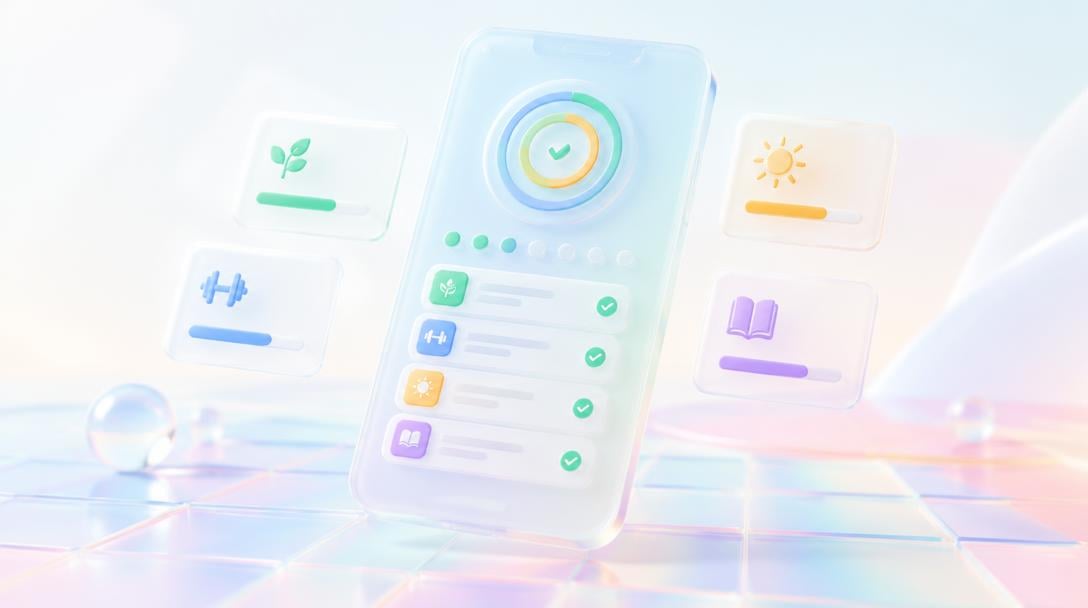
The best first project is one you'll use yourself every day. A habit tracker is exactly that.
 ## What to ask for
> Build a habit tracker. I can add habits like "read 20 minutes" or "gym", check them off each day, see my current streak for each, and a weekly view showing which days I completed. Calm, minimal design.
The Builder creates the tracker, the streak logic and the weekly view. It works on your phone's browser, so it's always with you.
## Take it further
* **Reminders** — pair it with an Aura Agent that nags you at 8pm if today's habits are open.
* **Notes** — add a short journal field per day.
* **Stats page** — completion percentage per habit per month.
* **Share** — a read-only link so a friend can see your streaks.
## What to ask for
> Build a habit tracker. I can add habits like "read 20 minutes" or "gym", check them off each day, see my current streak for each, and a weekly view showing which days I completed. Calm, minimal design.
The Builder creates the tracker, the streak logic and the weekly view. It works on your phone's browser, so it's always with you.
## Take it further
* **Reminders** — pair it with an Aura Agent that nags you at 8pm if today's habits are open.
* **Notes** — add a short journal field per day.
* **Stats page** — completion percentage per habit per month.
* **Share** — a read-only link so a friend can see your streaks.
 ## Tips
* Personal apps are the cheapest way to learn the Builder — no users to disappoint.
* Add it to your phone's home screen and it feels like a native app.
Start here if this is your first build.
This documentation is built and hosted on [Mintlify](https://mintlify.com), a developer documentation platform.
## Tips
* Personal apps are the cheapest way to learn the Builder — no users to disappoint.
* Add it to your phone's home screen and it feels like a native app.
Start here if this is your first build.
This documentation is built and hosted on [Mintlify](https://mintlify.com), a developer documentation platform.